Overview
This is my personal homelab — a self-hosted ecosystem of servers and services for development, media, automation, storage, monitoring, and breaking things in a controlled environment. Controlled is doing a lot of work in that sentence.
The lab has moved from the earlier "Docker box + NAS + router" phase into something closer to a small infrastructure environment. The current centre of gravity is a Supermicro EPYC Proxmox node, with Terraform creating VMs, Ansible configuring them, Gitea/Jenkins starting to act as the control path, and a proper split between DNS resolvers, authoritative DNS, reverse proxying, media, AI, and monitoring.
Blindly charging into 802.1Q VLANs was a uniquely painful yet meaningful experience. I have nuked router rules, DNS, DNS resolution, Docker containers, Proxmox state, and at least one ZFS path by being one directory too confident. This is also why the current direction is more declarative: configs in git, playbooks that can be re-run, and fewer "I swear I changed this manually somewhere"/"I forgor" moments.
Current state as of July 2026: the lab is mostly operational, but still actively being refactored. Core services are split into VMs, media is being moved off the old Debian Docker host, Jellyfin has a dedicated GPU path, Ollama/Open WebUI have the RTX 3090 path, DNS has primary/secondary style separation, and the internal wiki is slowly becoming the map I wish I had before I built the thing.
Legacy homelab state is still around as a snapshot of the older write-up.
Devices
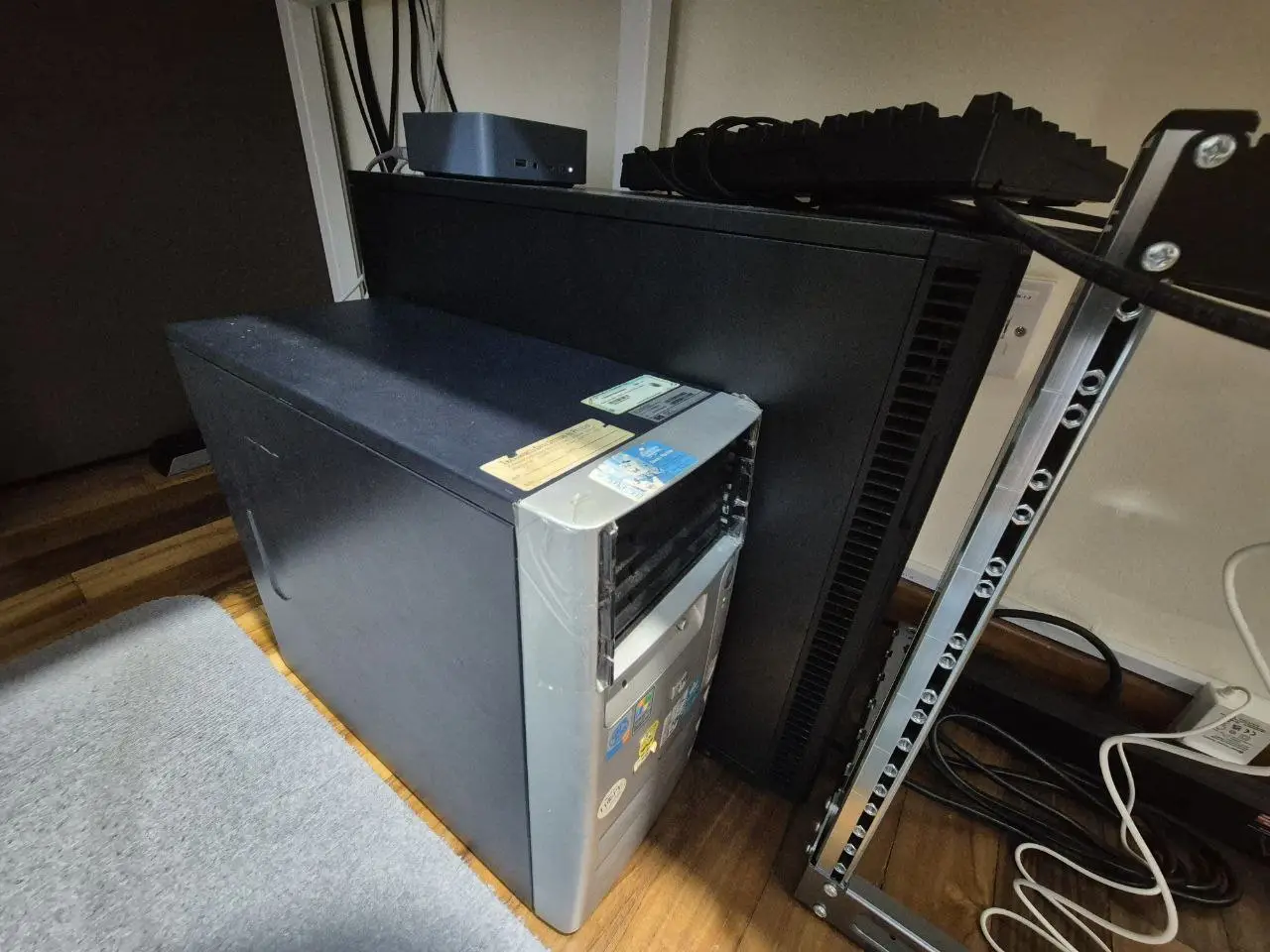
Homelab Network Architecture
The homelab network is supposed to be logically and physically segmented from the main household (family) network to ensure isolation, control, and scalability. (also so that I can't accidentally take out my family's internet)
I'm not a professional or even trained in networking (at the time of writing 2026, I built this network from scratch through trial and error, googling, and begging ChatGPT/Claude for sources and examples to learn from - have never taken any courses or modules on networking yet). But at the end of the day, you need to go from point A to point B in the graph, so making sure the intermediate points are fine or simply exist has been good enough for me so far.
I do have some plans to test configurations in an EVE-NG VM in my cluster to pre-test configurations and different connections/topologies once I get to importing the network device images. The VM has already been set up end 2025 and looks promising to run hands on tests and break things in a virtualised environment.
Future expansions include hosting this site itself, and other public facing services via VPN tunnel to a proxy VPS for an additional layer of segregation. I have already tested running a VPS proxy to forward and masquerade traffic to a VLAN isolated VM running a Minecraft server, and it seems that the configuration does work for multiple users accessing the server concurrently. Hosting this site from my own servers looks promising based on the minecraft experiment. This should relegate the VPS role to just be an anchor point to forward/receive/masquerade data from my homelab, reduce compute usage to processing traffic, should likely just optimize VPS sourcing for server uptime, network bandwith and throughput.
Physical and Routing seperation
- The Singtel ONR Nokia XS-240X-A router provided by the ISP acts as the default gateway for the family network.
- This router only handles the default ISP defined subnet, used for general internet access and connected home devices (think CCTV, regular LAN, Wifi AP).
- A CAT6 cable connects the ONR's 5GbE port to my MikroTik RB5009UG+S+IN's 2.5GbE port, which functions as the core router for the homelab.
- The MikroTik router does not route traffic from the ONR LAN to the homelab VLANs/subnets, to isolate my homelab traffic from home users, preventing outages when I make homelab network changes.
- My main switch is a MikroTik CRS310-8G+2S+IN that connects to the RB5009 via DAC over the SFP+ port for a 10GbE trunk, router on stick configuration.
- Accurate as of 18 Apr 2026
Homelab Network Segregation
The homelab network consists of multiple VLANs (802.1Q) and corresponding subnets carved out for different purposes. Each VLAN is isolated via tagged switch ports, firewall rules, and interface bindings.
For remote access, there is a Wireguard tunnel to a VPS acting as a sort of relay. Remote devices (peers) point to the VPS IP (mapped to a domain I own at a custom port), and this traffic gets forwarded to my homelab based on some simple iptables rules. There are different wg interfaces for admin, friend use (limited VLAN access) etc and I manually manage the peer list.
Although the WireGuard tunnel lands in the 10.0.100.0/24 subnet, I use MikroTik's firewall and routing rules to control what internal VLANs can be accessed. No homelab subnets are exposed directly to the internet.
This was a pain to setup, so I recommend setting aside some time (and then multiply that planned time by 2) to sit down, plan and make sure each device connected via VLAN is properly configured.
| VLAN ID | Name | Subnet | Purpose | Bound Interface |
|---|---|---|---|---|
| 10 | vlan10-servers | 10.x.10.0/24 | Main services (web apps, containers, internal APIs), mostly docker services | various |
| 20 | vlan20-compute | 10.x.20.0/24 | Compute machines (Proxmox VMs) | DAC2 (Switch) |
| 30 | vlan30-NAS | 10.x.30.0/24 | NAS dedicated subnet (ZFS storage, NFS, iSCSI, SMB for homelab) | ether3 (Switch) |
| 40 | vlan40-management | 10.x.40.0/24 | Management interfaces (IPMI, switch/router management IP) | ether7 |
| 50 | vlan50-infra | 10.x.50.0/24 | A dedicated VLAN to isolate core infra (AWX, Bind9, Adguard/Unbound) | various |
| 60 | vlan60-torrents | 10.x.60.0/24 | For torrenting edge devices (RPI with killswitch) | ether6 |
| 90 | vlan90-internet | 10.x.90.0/24 | WAN access (uplink to Singtel ONR) | ether2 |
| 110 | vlan110-altserv | 10.x.110.0/24 | Alternate server subnet (testing nginx VLAN routing - failure) | ether2 |
| — | wireguard1 | 10.x.x.0/24 | Remote VPN access (WireGuard) | wireguard1 |
| — | bridge | 192.168.200.0/24 | Default bridge (defconf; typically unused / fallback subnet) | bridge |
| — | ISP LAN | 192.168.x.0/24 | Family network (served by Singtel ONR) | ether1 |
These VLANs are managed via:
- A MikroTik router (RB5009) handling DHCP, DNS, and inter-VLAN routing.
- A managed switch (CRS310) for VLAN tagging and link aggregation.
- Firewall rules on the MikroTik to restrict access between VLANs, allowing only essential routes (e.g., certain devices on some VLANs can access NAS; dev VMs cannot access infrastructure).
Current Architecture
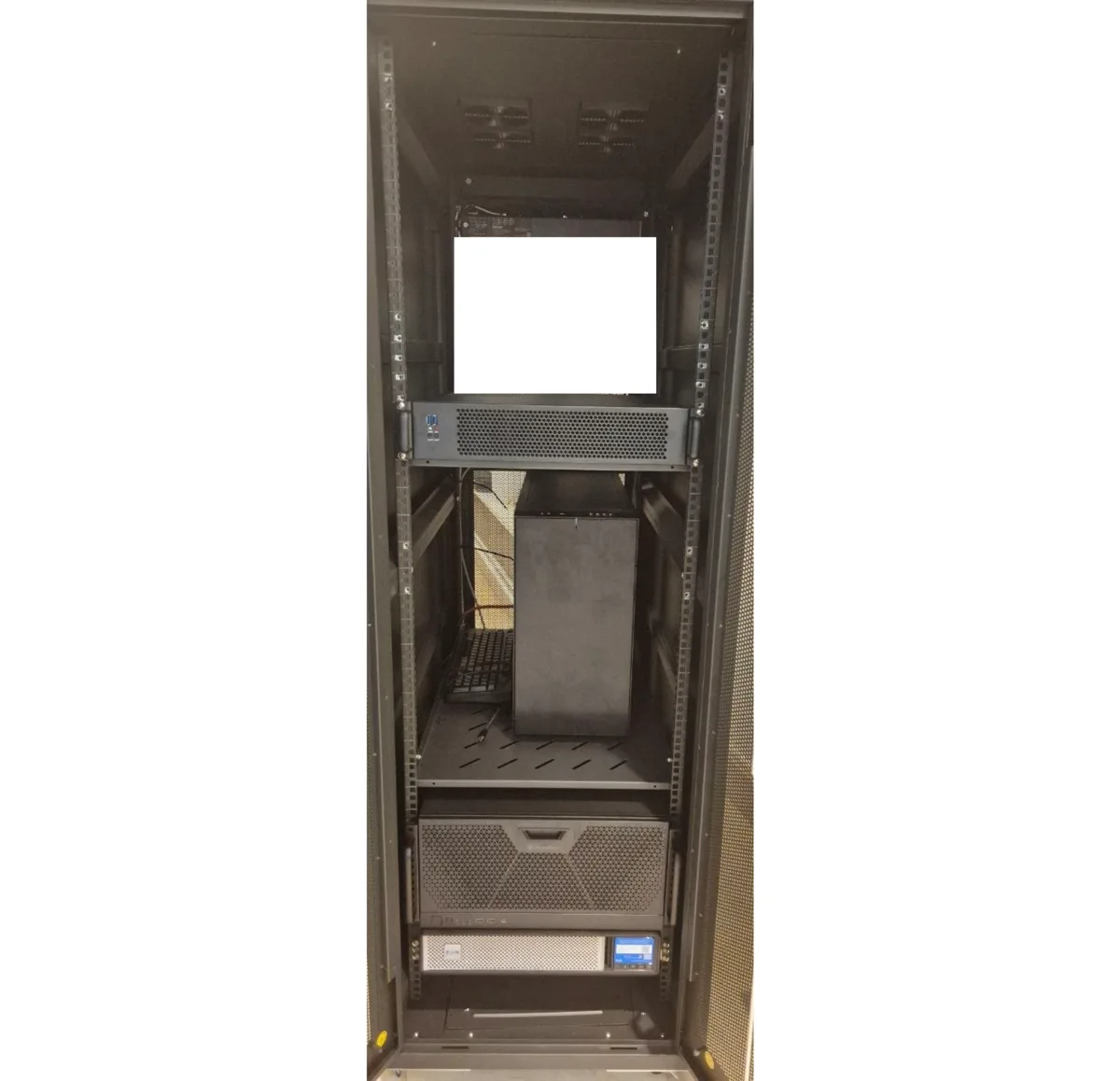
The homelab is split into a few rough layers. The physical layer is the rack, router, switch, NAS, Proxmox nodes, Raspberry Pis, and UPS/power work. The platform layer is Proxmox, TrueNAS, VLANs, WireGuard, DNS, and internal TLS. The services layer is where the fun and pain live: Gitea, Jenkins, Caddy, Jellyfin, Shoko, monitoring, Ollama, Open WebUI, K3s experiments, and everything else I decide to deploy because it looked useful at 2am. Also AI is a keyword that keeps popping up, here is some infra allocated to tick the AI box.
| Layer | Current state | Notes |
|---|---|---|
| Compute | EPYC 7542 Proxmox node is the main host | Most new VMs live here; Z640 is now secondary / POC. |
| Storage | TrueNAS handles bulk ZFS storage | NFS for services and Proxmox, SMB for family/internal access. |
| Networking | MikroTik RB5009 + CRS310 | Router-on-a-stick style VLAN routing, 10G trunk, default drop between VLANs. |
| DNS | AdGuard + Unbound resolvers, BIND9 authoritative VMs | Internal peky zone, local PTR handling, DNSSEC validation upstream. |
| Reverse proxy / TLS | Caddy VM with internal CA | Internal HTTPS for services; browser trust still needs manual CA import on some machines. |
| Automation | Terraform + Ansible, Jenkins/Gitea in progress | Trying to make rebuilds boring instead of heroic. |
| Media | Jellyfin/Shoko/Komga stack moving into dedicated VMs | Quadro P2200 is for Jellyfin transcoding. |
| AI | Ollama + Open WebUI on VM path | RTX 3090 is for local LLM / GPU experiments. |
Remote Access with WireGuard + AdGuard
For remote access, I use a small VPS as a public WireGuard edge gateway. This solves a few annoying residential network problems at once: double NAT, possible CGNAT, and ISP IP rotation.
Instead of exposing the homelab directly (remember not a reliable IP because of ISP behaviour), the router maintains an outbound WireGuard connection to the VPS. Remote peers also terminate on the VPS, and traffic is then forwarded into the homelab based on the WireGuard interface design and firewall rules. I split access by interface as well, so admin and guest peers do not get the same reach into the internal VLANs.
        [Remote Peer]
        ↓ WireGuard
        [VPS]
        ↓ Forwarding Rules to Seperate Tunnel
        [MikroTik Router]
        ↓ VLAN Routing + Firewall Policy
        [Internal VLANs / Services]
        ↓ Internet Traffic
        [AdGuard Home (DNS)]
        ↓
        [Unbound (DoT upstreams)]
The intermediary VPS layer helps to solve a couple of problems. One of which is the frequent switching (rotation) of residential IPs by the ISP, solving the issue of double NAT (I did not want to replace the ISP router with my own -- My family still uses the regular ISP network), potential CGNAT issues, and a static IP my domain can point to. It's a cheap 5 dollar/month nanode that purely handels this network filtering and forwarding job. The peer list is still quite small and managable, but I might look at automating it via git changes, though some form of secrets generation and replacement (maybe hashicorp valut) might be needed.
The VPS also terminates separate WireGuard interfaces for different roles. There is an admin interface for full internal access, a guest interface with restricted VLAN reach, and a backhaul interface linking the VPS to the homelab router. From there, traffic is routed and filtered into the internal network using WireGuard peer design, MikroTik routing, and firewall rules. No internal VLANs are exposed directly to the public internet.
In practice, this means the VPS acts as a public entry point, policy boundary, and transit hop rather than a machine that actually hosts the services themselves. It is mostly there to provide a static IP, terminate the tunnels, and forward permitted traffic onward to the homelab.
All DNS requests over VPN are handled by AdGuard Home, which tries to block ads, trackers, telemetry, and malware. It forwards queries to Unbound, which uses DNS-over-TLS (DoT) to upstream providers. This on paper gives me a secure and ad-free browsing experience, even on public Wi-Fi.
With this setup, I can access self-hosted services like Proxmox, TrueNAS, Gitea, and Docker UIs from anywhere, without exposing them to the public internet.
On my phone, the WireGuard tunnel is permanently active —
traffic is always routed through my homelab.
On my Windows laptop, I toggle the connection using the
WireGuard GUI client.
On Linux, I manage it using wg-quick
for a minimal CLI-based approach.
Automation State
The current automation direction is to make the lab reproducible enough that rebuilding a VM or service is not a dramatic event. Terraform defines the Proxmox VM shape, cloud-init seeds the base config, Ansible applies the service configuration, and Jenkins/Gitea are being wired up so changes can eventually flow from git into the lab with less manual clicking.
- Terraform: VM definitions, VLAN placement, cloud-init, storage, sizing, and Proxmox provider work.
- Ansible: bootstrap, packages, users, SSH, chrony, Caddy, DNS, Gitea, Jenkins, monitoring, K3s, and media roles.
- Jenkins: intended CI runner for linting, validating, and eventually running controlled plans/playbooks.
- Gitea: internal git mirror / source of truth for lab repos.
- SOPS: secrets handling, I also want to figure out how Hashi vault works.
This is nowhere close to an enterprise level automation. It is done enough to be useful, broken enough to teach me things, and structured enough that I can keep improving it without starting from scratch each time.
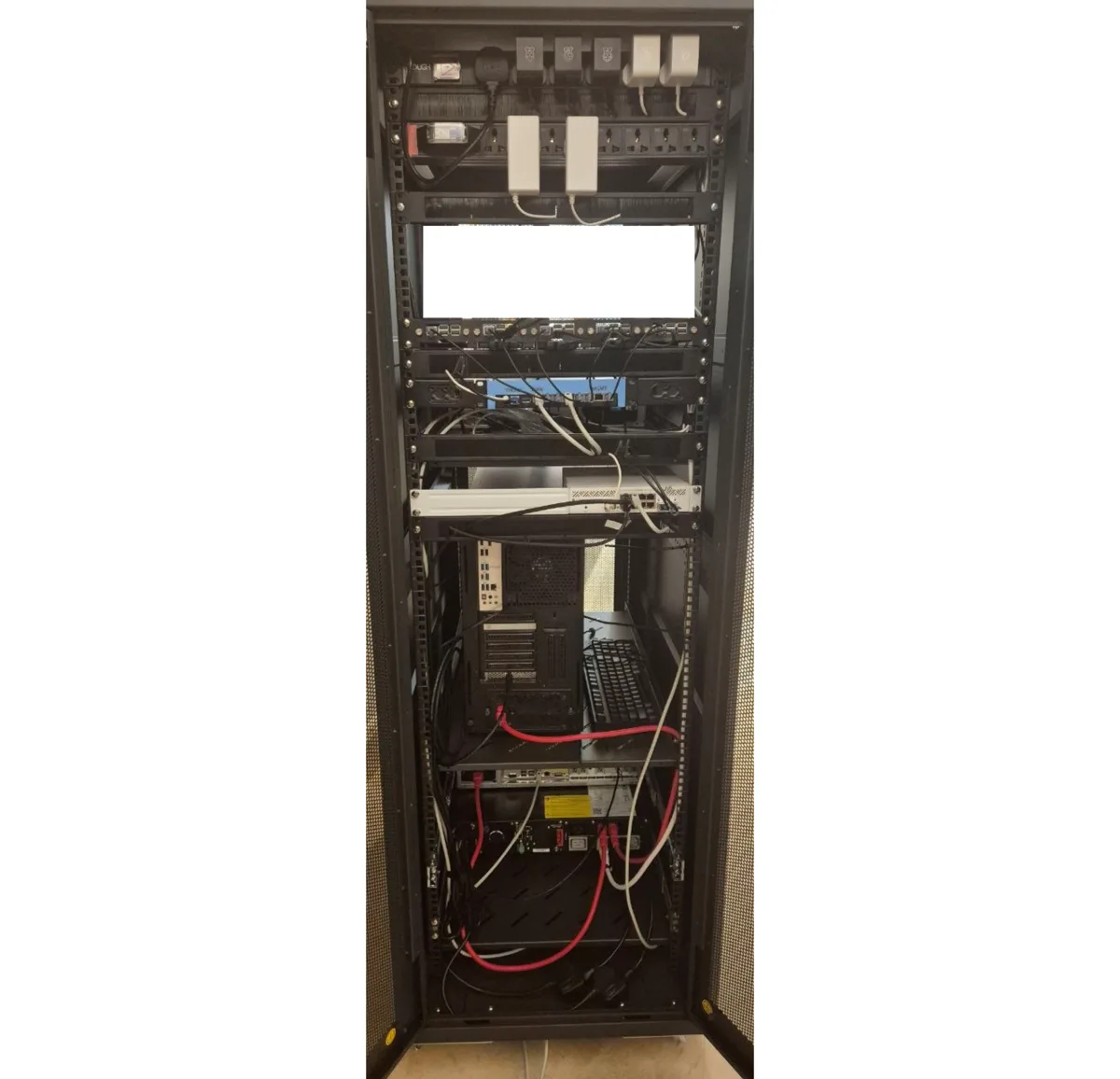
Homelab Potential Upgrades
While the current homelab setup is stable and operational, I have a long-term roadmap focused on scalability, service uptime, physical infrastructure, and secure external access. This roadmap is driven by experimentation, curiosity, and a desire to reduce failure domains while staying in control of every service.
Physical Infrastructure
- Considering a migration from the current 10U MikroTik SR-10U to a 20-40u 1000mm depth rack for improved airflow and cable management. Looking at some 800x1000mm 36u rack to fit forseable hardware needs.
- Add a rack-mounted UPS to prevent data loss and allow for graceful shutdowns across critical services during power outages. Possibly using NUT to control the UPS behaviour
- Building a central permament 2-4u virtualisation server using either a Rome or Milan chip to take advantage of the enterprise/datacenter hardware decomissioning cycle (hope DDR4 rdimm becomes cheaper in bulk).
- Additional 1-4u servers based on needs, like NAS expansion, dedicated public facing services server, more proxmox nodes for HA (consensus voting)
- Standardize rack layout with proper labeling, patch panels, and side/rear cable routing.
- When the enterprise upgrade/decomission cycle for LTO-8 is due, I plan to add an additional layer of tape archives on top of my NAS, to keep them in a different format and for long term storage.
Network Upgrades
- Complete migration to the MikroTik RB5009UG+S+IN as the core router with VLAN-aware firewall rules and faster routing capacity.
- Consider an upgraded Router after the RB5009 like the CCR2004 or entierprise switches
- Look into replacing the generic 2.5Gbps switch with MikroTik CRS-series switches for better VLAN tagging, consistency, and monitoring.
- Subscribe to a 10Gbps fiber plan to fully utilize RB5009’s capabilities and reduce upstream bottlenecks.
External Access & Security
- Deploy a VPS-based reverse proxy (e.g., Hetzner) to tunnel traffic into the homelab via WireGuard.
- Look into dedicated firewall devices, both enterprise (e.g. Cisco, Fortinet) and open-source (e.g. OPNsense, pfSense) (or even the forbidden virtualised firewall route)
- Self-host selected services (e.g.Gitea, Jellyfin, dashboards, email) via subdomains routed through the VPS.
- Ensure all outbound traffic from sensitive services like qBittorrent pass through a VPN killswitch using NordVPN to avoid IP leaks.
- Begin exploring Zero Trust architecture for access control, identity-based access, and device trust posture enforcement.
- Maybe consider looking into hardware authentication for access control as well
Service Architecture
- Increase use of Proxmox for service separation via LXC containers and VMs.
- Move toward either Docker Swarm or consider Kubernetes (K3s) to maintain consistent uptime, make service recovery easier, and support future scaling.
- Break out critical services (AdGuard, Unbound, monitoring tools) onto a dedicated Raspberry Pi 5 for higher availability and role separation.
- It is looking more like K3s since the recommended running for AWX involves AWX Operator, and having ran it via Rancher, it looks promising
Philosophy: One Purpose per Device vs General Purpose
- Borrowing from the UNIX philosophy of "Write programs that do one thing and do it well."
- Experimenting with a philosophy of one device per critical role (DNS, VPN, monitoring) for fault isolation and simplicity.
- In parallel, maintain general-purpose nodes (e.g., Proxmox or Docker hosts) for scalable, fast-to-deploy services.
- This approach should balance resource efficiency with clean service boundaries.
Lessons Learnt
Just a small section of some of the problems i encountered cause of skill issue, and how they were patched.
Duplicate VLAN gateway
I was experiencing intermittent SSH drops, internal DNS resolution failures, and general conenctivity issues like Jellyfin / Proxmox webui having random connection drops. After a whole year of debugging, I found out (at least when I patched this the performance improved) that the cause was a network configuration I made when I was configuring the CRS310 (the switch) early on and assigned each VLAn the same x.x.x.1 gateway address for all my VLANs on the switch.
This resulted in two different MAC addresses (the router and the switch) claiming the same gateway IP. Depending on which MAC is recorded in the host device's ARP cache, the traffic has a different destination and the wrong device. This is likely the root problem on why there was random drops but technically functional connections.
I fixed this by making the RB5009 the only L3 router (since the CRS310 can behave as one), and gateway for all my VLANs, while the CRS310 maintains as a L2 switch with one management IP. The switch still has to know that the VLANs exist and are carried in the tagged trunk ports, although it does not need an IP for every VLAn to do so (the knowledge gap is this). My original mistake was configuring the VLANs on the switch the same way I configured them on the router (literal skill issue), this unintentionally made the switch behave as a L3 device instead of simply switching and forwarding VLAN traffic.